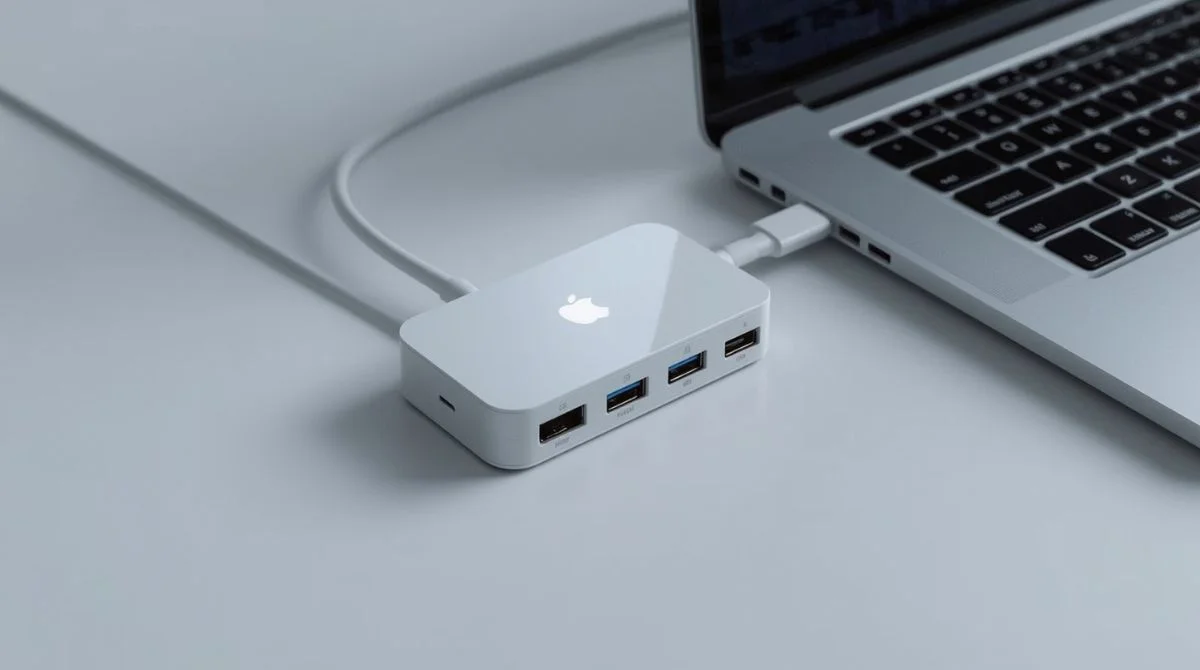

Choosing the right usb c hub in 2025 can transform how you use your laptop, tablet, or smartphone. As devices get slimmer and more powerful, the need for reliable connectivity grows fast. A USB-C hub helps you connect all your essential gadgets without sacrificing speed, performance, or convenience.
Why the Right USB C Hub Matters in 2025?
The usb c hub plays a key role in modern digital life. Laptops now ship with fewer ports, tablets replace old desktops, and mobile creators need flexible setups. A good hub gives you access to external displays, fast storage, keyboards, ethernet, and charging from a single USB-C port.
In 2025, the technology behind hubs is more advanced than ever. New devices support higher transfer speeds, faster charging, and better multi-display output. If you choose a quality hub today, you improve your productivity for years.
What Makes USB-C So Important Today?
USB-C has become the global standard for connectivity. It supports power, data, audio, and video through a single plug. Because of this all-in-one design, nearly every new device supports USB-C.
Here are simple reasons why USB-C matters:
-
It offers fast data transfer
-
It supports high-resolution video output
-
It allows fast charging
-
It works in both directions (plug doesn’t flip)
-
It supports universal compatibility
The usb c hub extends these benefits by giving you additional ports without reducing speed or power.
Key Features to Look for in a USB C Hub in 2025
Below are the features that matter most when buying a usb c hub. Each feature affects performance, speed, and compatibility, so choose wisely.
1. High-Speed USB Ports
A modern usb c hub should include several USB-A and USB-C ports. These ports help you connect accessories like flash drives, keyboards, webcams, and microphones.
What to look for:
-
USB 3.2 Gen 2 ports for 10Gbps transfer
-
USB 4 ports for future-proof performance
-
Multiple USB-A ports for older devices
The better the port speed, the smoother your workflow becomes.
2. 4K or 8K Display Support
Content creators, gamers, office users, and remote workers all need strong external display support. Not all hubs support high-quality video output, so check this first.
Look for hubs with:
-
4K at 60Hz for smooth visuals
-
8K output on premium hubs
-
HDMI 2.1 or DisplayPort ports for modern screens
Higher display support means better clarity and better productivity.
3. Power Delivery (PD) Charging
A powerful usb c hub should support USB-C Power Delivery. This feature allows you to charge your laptop and devices while using the hub.
What you need:
-
At least 100W PD for modern laptops
-
PD passthrough charging
-
Safe voltage control for device protection
Fast charging while multitasking is a must in 2025.
4. Ethernet Port for Stable Internet
Most thin laptops no longer include an ethernet port. If you attend meetings, stream videos, or transfer large files, wired internet helps you stay stable and fast.
Look for:
-
1Gbps ethernet: for standard use
-
2.5Gbps ethernet: for ultra-fast networks
This feature is extremely useful for offices, gamers, and remote workers.
5. SD and MicroSD Card Slots
If you are a photographer, videographer, or content creator, card readers are very important. They allow instant transfer of media from cameras and drones.
Choose a hub with:
-
UHS-I or UHS-II card readers
-
Dual card slots for better access
Fast media transfer saves time and improves workflow.
6. Strong Build Quality
Your usb c hub should use durable, heat-resistant materials. Modern hubs often use aluminum alloy for better strength and temperature control.
Look for:
-
Aluminum body
-
Braided cable
-
Reinforced connectors
Durability ensures your hub lasts longer and performs better.
7. Wide Compatibility
The best usb c hub should work across many devices. This includes Windows laptops, MacBooks, iPads, Android tablets, and even some gaming consoles.
A compatible hub supports:
-
macOS
-
Windows
-
ChromeOS
-
iPadOS
-
Android
Compatibility protects your investment.
8. Compact and Travel-Friendly Design
A portable usb c hub helps you stay productive anywhere. A slim design fits easily in bags, pockets, and office setups.
Look for hubs that offer strong performance without being bulky.
Essential USB C Hub Features (2025)
| Feature | What to Look For | Why It Matters |
|---|---|---|
| USB Ports | USB 3.2, USB-A, USB-C | Faster data transfer |
| Display Output | 4K/60Hz or 8K | Better visuals |
| Power Delivery | 100W+ | Charge laptop + devices |
| Ethernet | 1Gbps or 2.5Gbps | Stable internet |
| Card Reader | UHS-I or UHS-II | Fast media transfer |
| Build | Aluminum body | Better durability |
| Compatibility | macOS, Windows, iPadOS | More device support |
Top USB C Hub Use Cases in 2025
Understanding how people use usb c hubs helps you choose the right one. Here are common uses:
1. For Office Professionals
A USB-C hub connects your monitor, keyboard, mouse, webcam, and storage devices. It keeps your desk clean and helps you work faster.
2. For Students
Students often switch between school and home. A hub helps them connect projectors, drives, and chargers easily.
3. For Content Creators
Creators need card readers, fast ports, and high-resolution display support. A good hub supports 4K editing and large media transfers.
4. For Travelers
Travelers need compact hubs to connect to hotel TVs, charge devices, or use wired networks.
5. For Gamers
Gamers can connect controllers, hard drives, ethernet, and 4K monitors through a hub.
How to Choose the Right USB C Hub for Your Device?
Your laptop or tablet determines the type of hub you need.
1. For MacBook Users
MacBooks need hubs that support:
-
4K or 8K display
-
Fast PD charging
-
Thunderbolt compatibility
2. For Windows Users
Windows laptops vary widely, so choose hubs with strong compatibility and ethernet ports.
3. For iPad Users
iPads need hubs with:
-
Compact design
-
SD card support
-
HDMI output
4. For Android Users
Most Android devices support USB-C OTG, allowing hubs to work well for data, displays, and accessories.
Signs of a Low-Quality USB C Hub
Avoid hubs with the following issues:
-
Overheating
-
Weak port alignment
-
Slow transfer speeds
-
Poor cable quality
-
No safety certifications
Always choose hubs from trusted brands with proper warranty.
Safety Features to Look For
A modern usb c hub must include:
-
Over-voltage protection
-
Short-circuit protection
-
Temperature control
-
Surge protection
These features protect your devices and extend life.
Future Trends in USB C Hubs (2025 and Beyond)
USB technology continues to evolve fast. Here are upcoming trends:
-
USB4 hubs becoming standard
-
Increasing 8K monitor support
-
Better VR/AR compatibility
-
More AI-powered thermal protection
-
Smaller and more efficient power delivery
Buying a future-ready hub helps you stay ahead.
Final Thoughts
The right usb c hub enhances your device performance, expands your connectivity, and improves productivity. Look for features like high-speed USB ports, strong display support, fast charging, ethernet, and durable build quality.